Usage samples
Lets create a housing for the new camera.

from openscad import *
fn=20

box = cube([40,40,40])
box -= cube([36,36,40]) + [2,2,2]
box -= cylinder(d=20,h=5) + [20,20,-1]
box -= cylinder(d=3,h=10) ^ [[5,35],[5,35], -1]
box.show()
The examples below depend on external Python Libraries, which you can install with pip.
In case PythonSCAD cannot find it, please tell it the path like
import sys
sys.path.append("\\path\\to\\python\\site-packages-dir")
Many applications are possible like
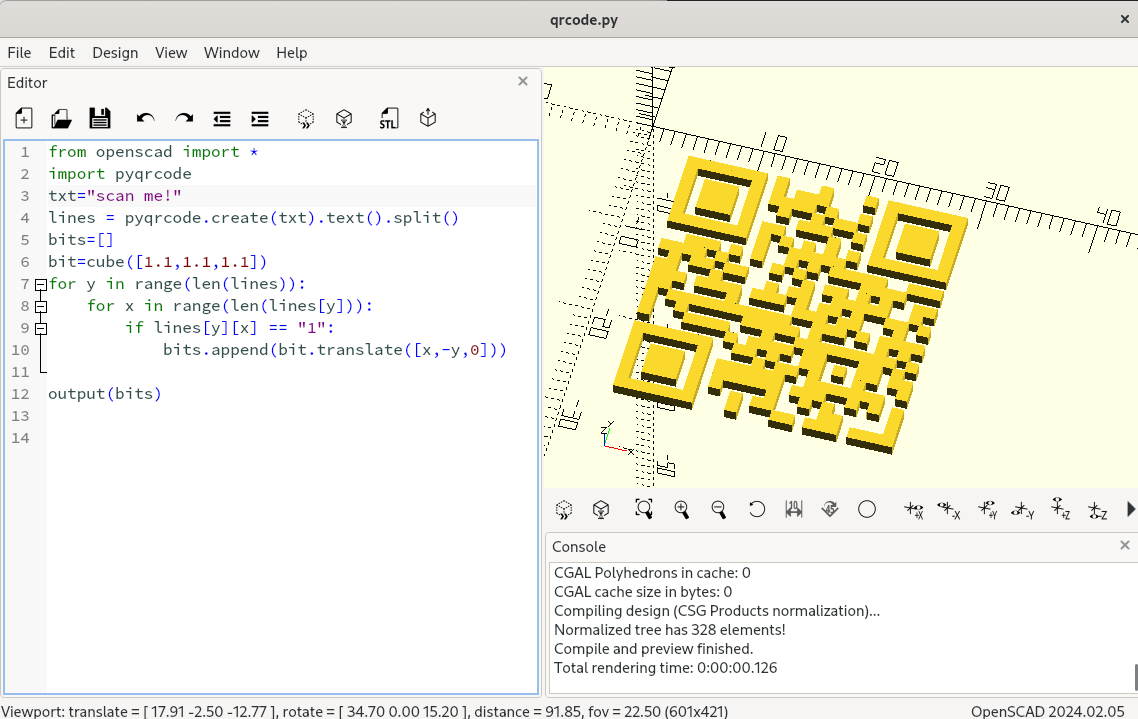
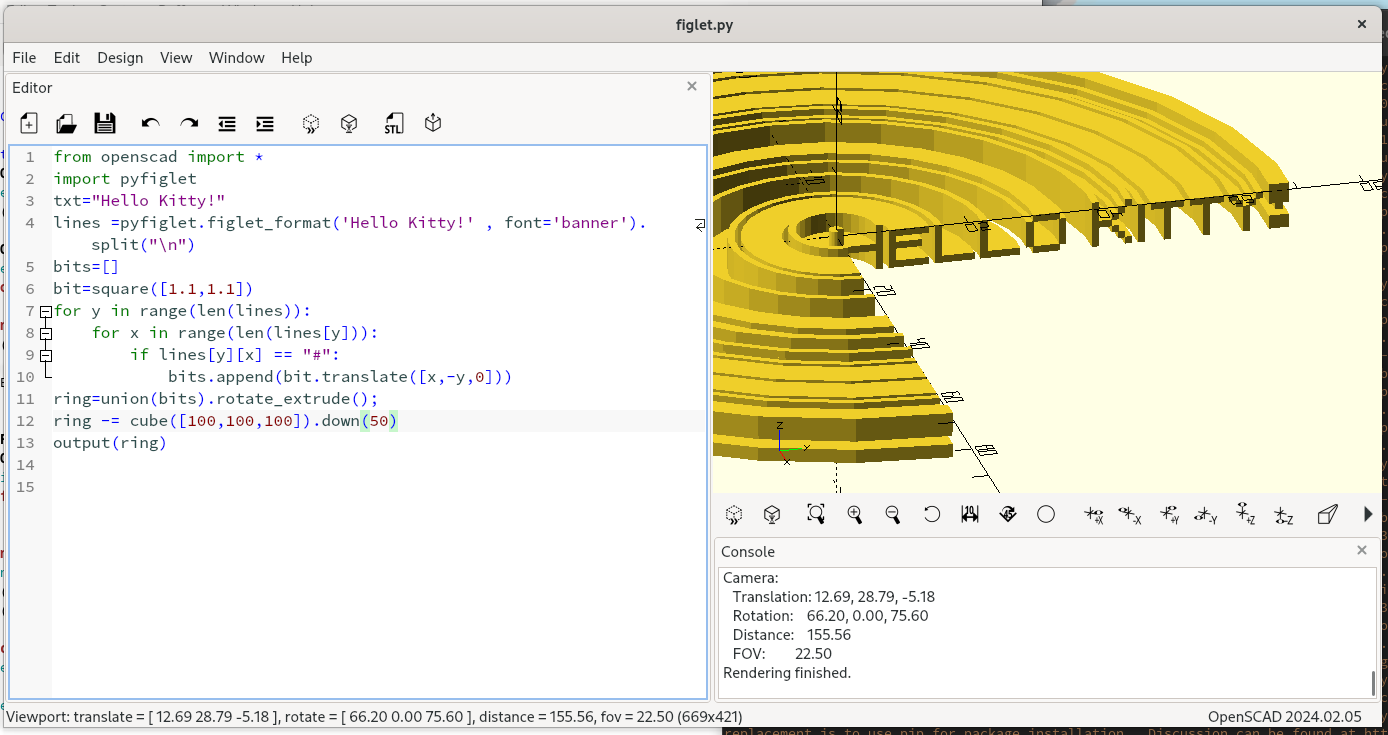

or A Gyroid
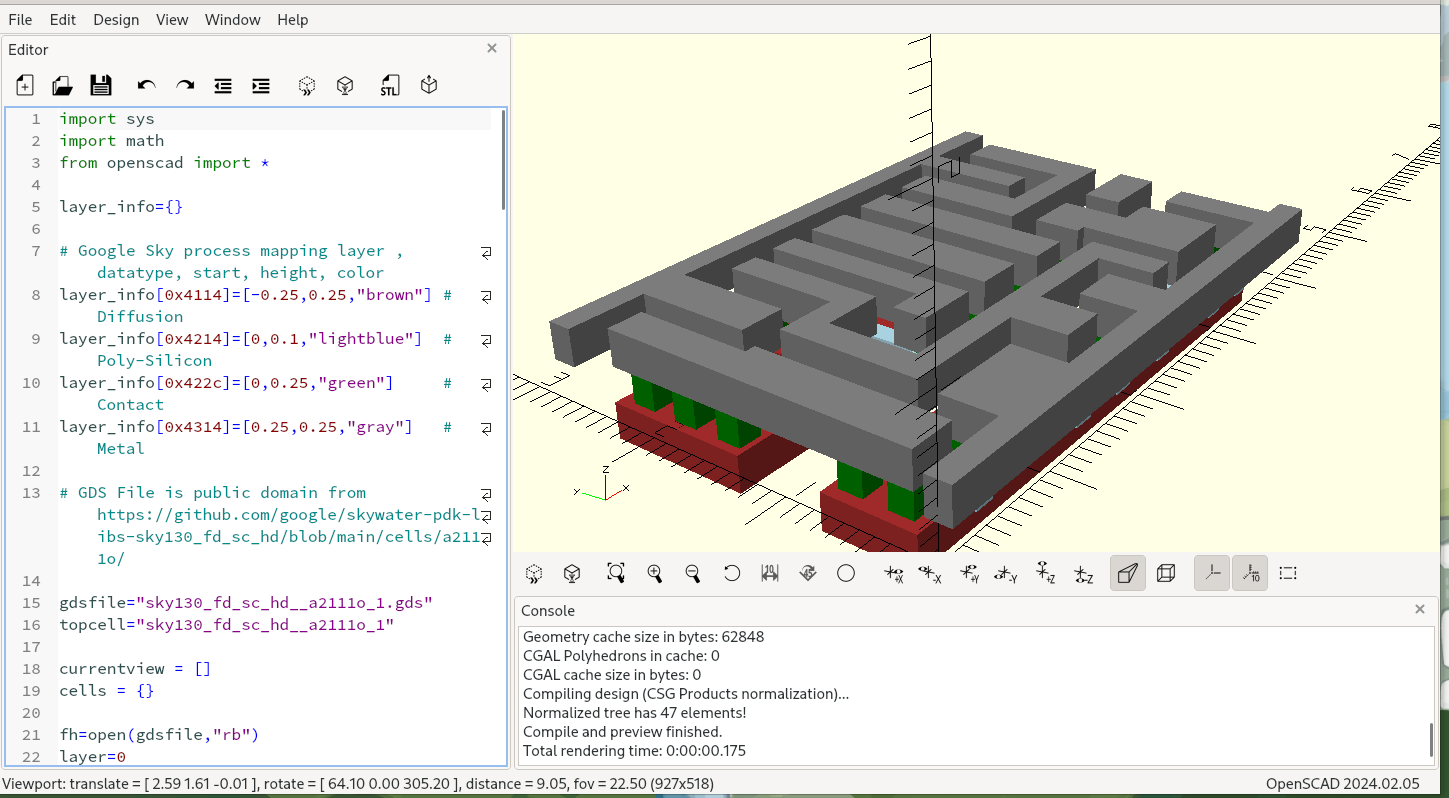
or even GDS File Parser used for creating Microchips
PythonSCAD is present on Thingiverse * Zelda's Spirit Flute by L.D. * Dremel Impeller Blower by jhnphn
Additional features
On top of Python support, this fork also has the following extra capabilities.
F-REP/SDF engine (libfive)
Use SDFs to create organic meshes!
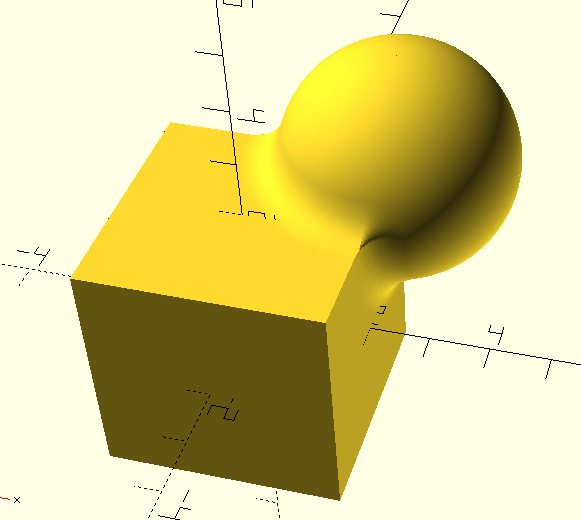
from openscad import *
from pylibfive import *
c=lv_coord()
s1=lv_sphere(lv_trans(c,[2,2,2]),2)
b1=lv_box(c,[2,2,2])
sdf=lv_union_smooth(s1,b1,0.6)
fobj=frep(sdf,[-4,-4,-4],[4,4,4],20)
output(fobj)
If you're unfamiliar please look up "Inigo Quilez", the god-father of SDFs.
The available operators are:
- X()
- Y()
- Z()
- operators + = * / %
- sqrt()
- abs()
- max()
- min()
- sin()
- cos()
- tan()
- asin()
- acos()
- atan()
- atan2()
- exp()
- log()
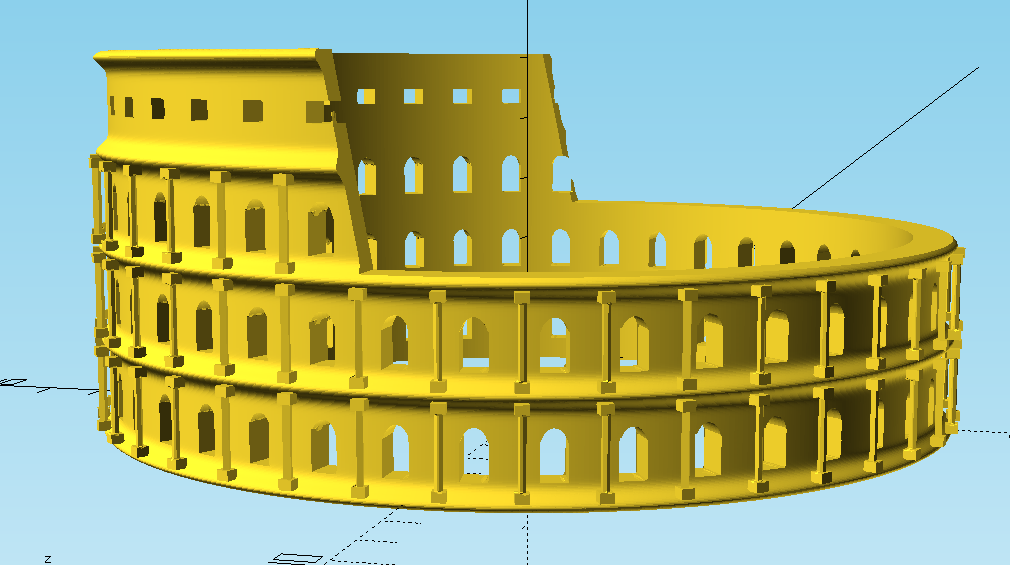
I've integrated libfive into OpenSCAD, but only through the Python bindings.
See example at libfive_example.py or collosseum.py
ifrep
There is first support for ifrep. ifrep takes an OpenSCAD solid as input and returns a variable which you can use along with your other SDF equations. You can use it for offsetting exising objects.
Objects double as dictionaries
Each of the generated objects has a built-in dictionary, which can be used to store additional information along with the object. e.g to store coordinate information about special locations of the object.
myobject["top"] = [10,10,90]
Path extrude
path_extrude works very similar to linear_extrude or rotate_extrude. IMHO it can actually act as a superset of both of them. Like in linear_extrude and rotate_extrude, the extruded 2D shape is always perpendicular to the extrusion. The syntax is:
square().path_extrude([[0,0,0],[0,0,10]])
Possible parameters are:
- path - list of points in 3d space where to feed the path. Points can optionally specified as a 4-value-vector where the 4th value acts as a radius parameter for round corners
- twist - amount of degrees to twist the profile along the path
- origin - determines 2D center point of the twist rotation within the profile
- scale - factor to scale the profile along the path, can also be 2d vector
- closed - whether to close the path to form a ring . true/false
- xdir - Direction of the x vector of the profile for the very first path segment.
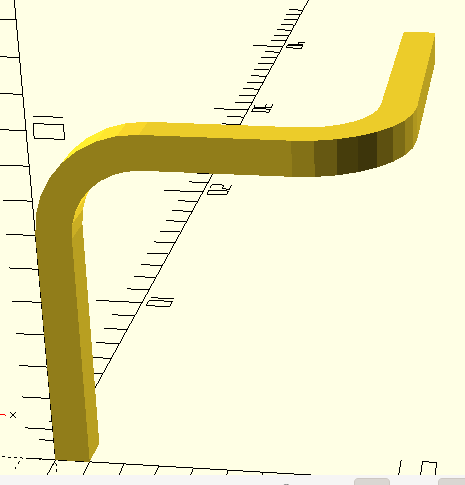
See example at path_extrude_example.py
3D offset
In this version offset also operates on 3D objects in addition. Fillets can easily be created by downsizing concave edges
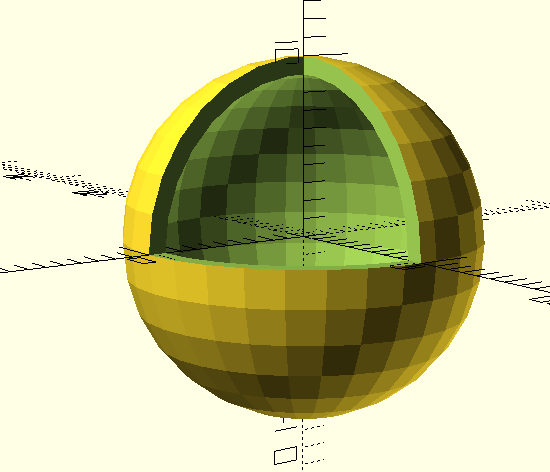
from openscad import *
c = cube(10) + [[0,0,0], [5,5,5]]
c = c.offset(-2,fa=5)
c.show()
Fileting
Often its nice to have a small fillet in your design. You can e.g. crfeate them while combinig the objects, but there many different variants possible.
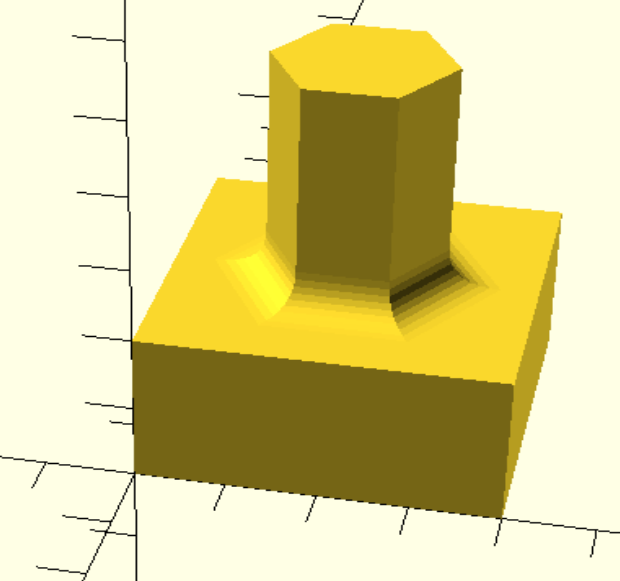
from openscad import *
plate = cube([40,40,20])
tower = cylinder(50,10,fn=6) + [20,20,0]
design= union(plate, tower,fn=10,r=5)
design.show()