Usage samples
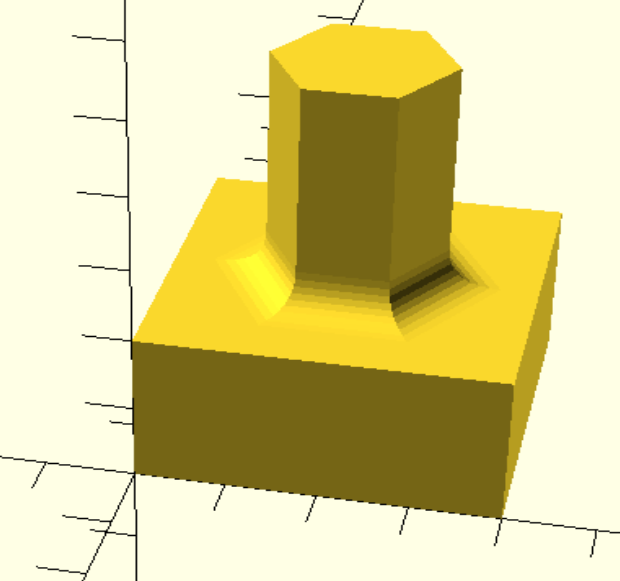
Let's create a housing for the new camera.

The examples below depend on external Python Libraries, which you can install with pip.
In case PythonSCAD cannot find it, please tell it the path like
Many applications are possible like
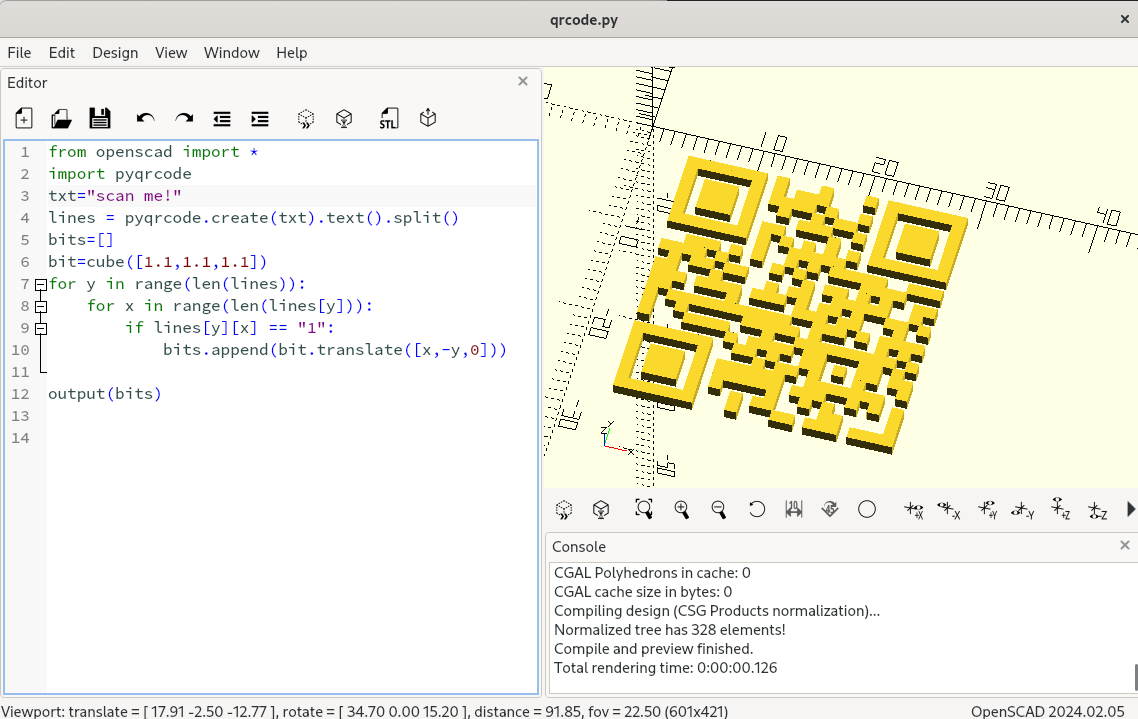
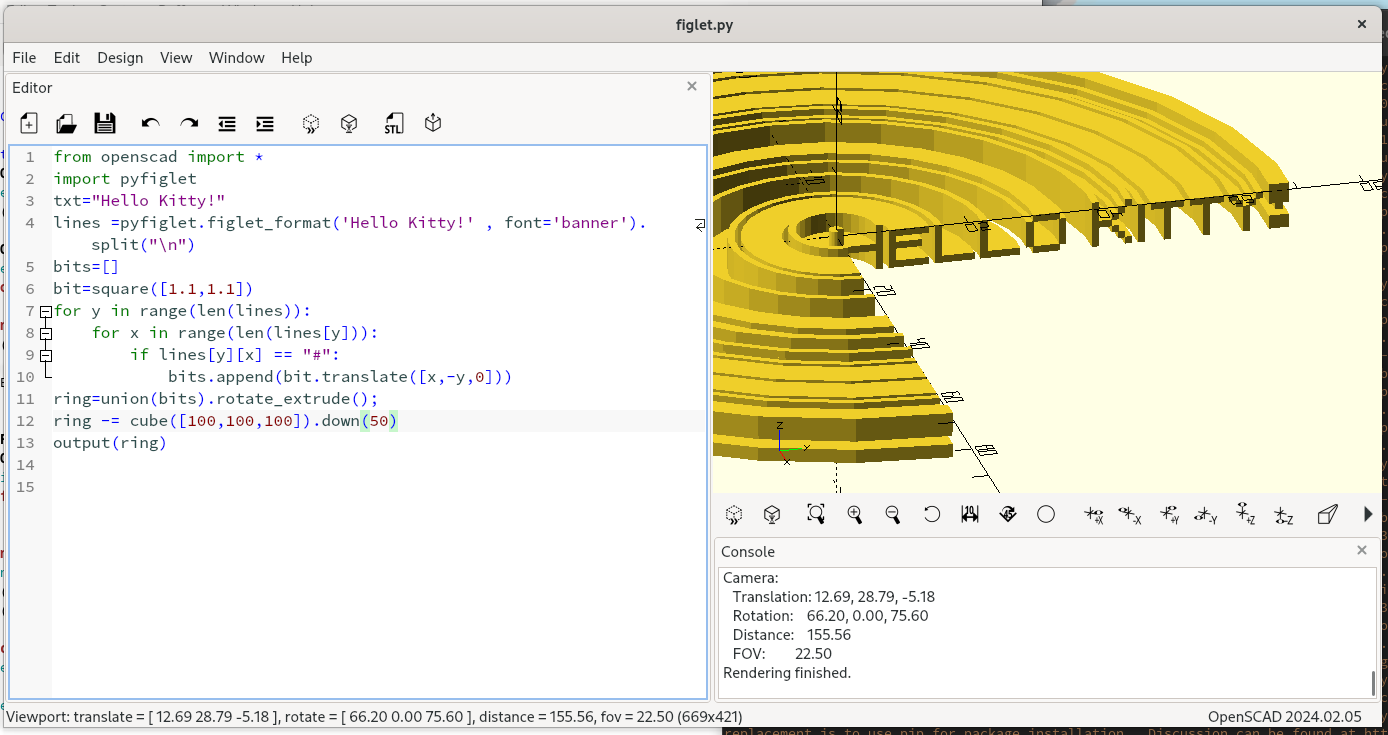
or A Gyroid

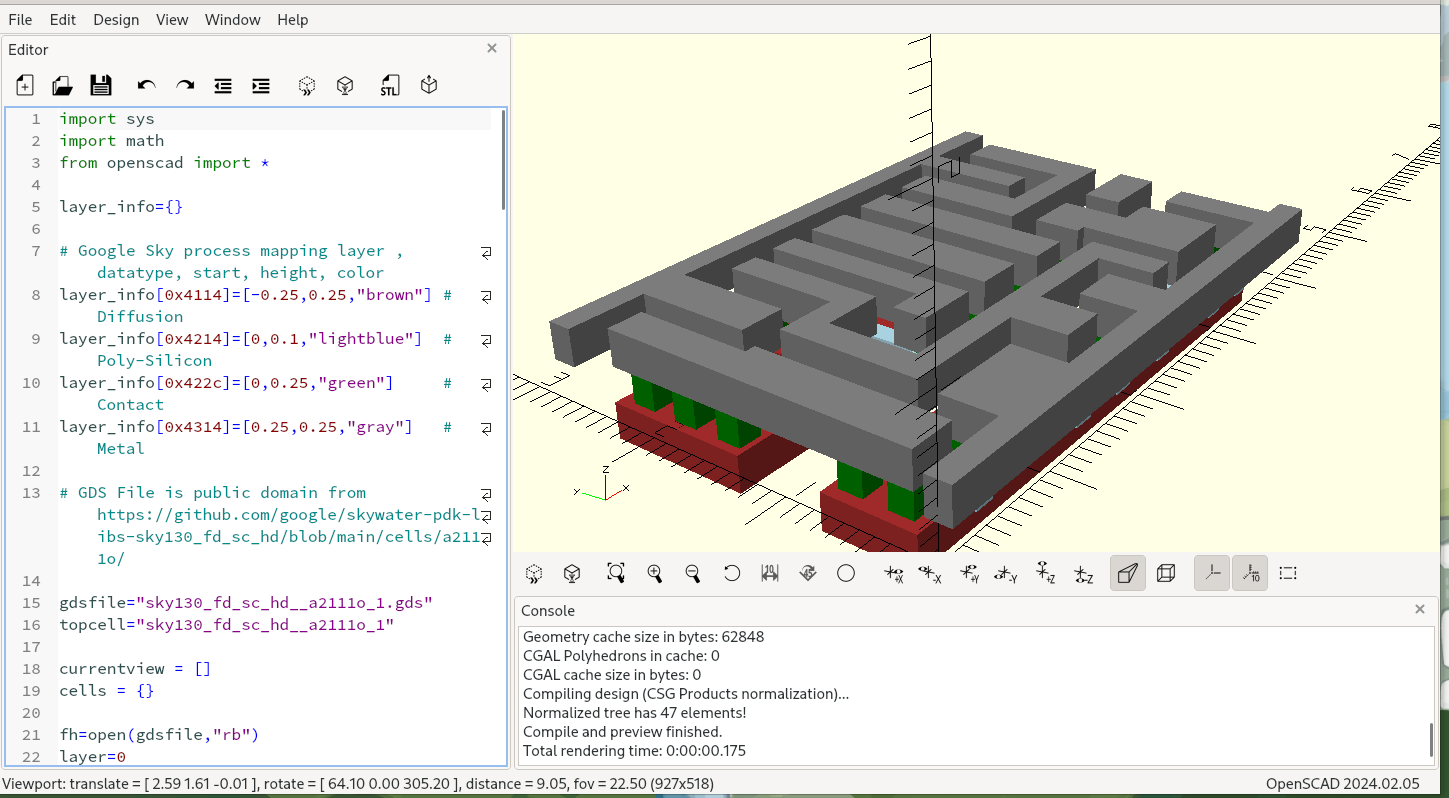
or even GDS File Parser used for creating Microchips
PythonSCAD is present on Thingiverse
- Zelda's Spirit Flute by L.D.
- Dremel Impeller Blower by jhnphn
Additional features
On top of Python support, this fork also has the following extra capabilities.
F-REP/SDF engine (libfive)
Use SDFs to create organic meshes!
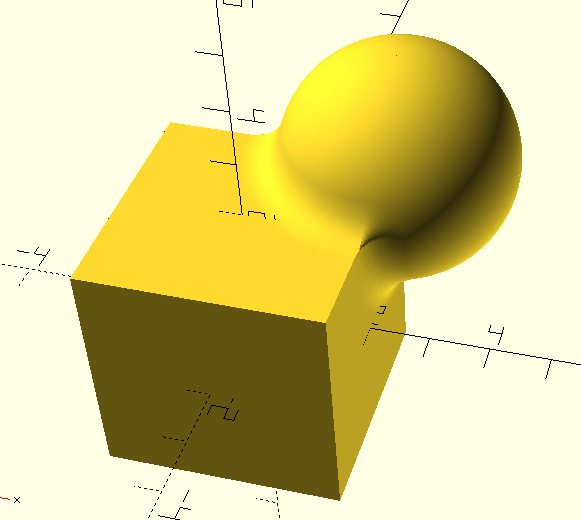
If you're unfamiliar please look up "Inigo Quilez", the god-father of SDFs.
The available operators are:
- X()
- Y()
- Z()
- operators + = * / %
- sqrt()
- abs()
- max()
- min()
- sin()
- cos()
- tan()
- asin()
- acos()
- atan()
- atan2()
- exp()
- log()
I've integrated libfive into OpenSCAD, but only through the Python bindings.
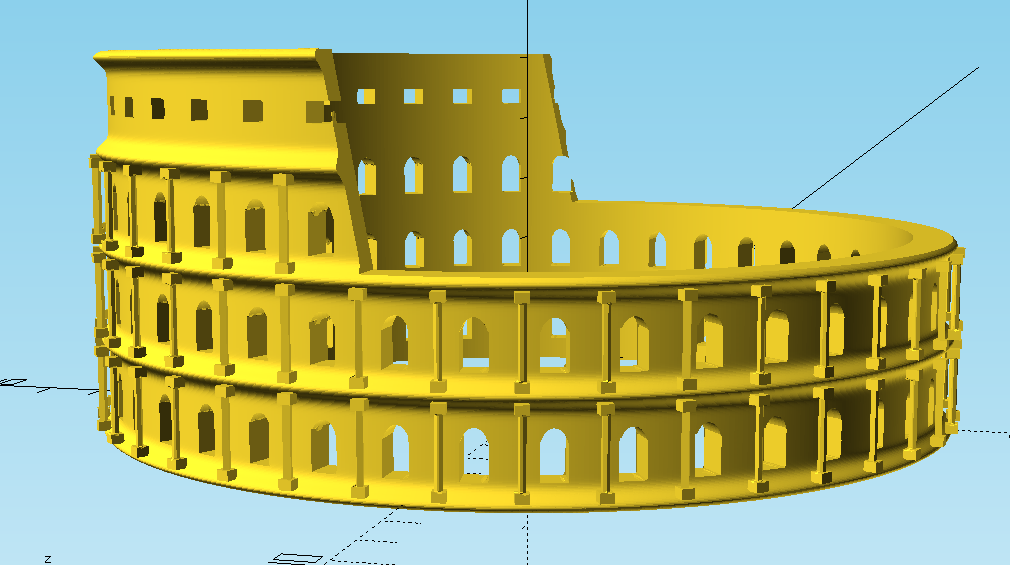
See example at libfive_example.py or collosseum.py
ifrep
There is first support for ifrep. ifrep takes an OpenSCAD solid as input and returns a variable which you can use along with your other SDF equations. You can use it for offsetting exising objects.
Objects double as dictionaries
Each of the generated objects has a built-in dictionary, which can be used to store additional information along with the object. e.g to store coordinate information about special locations of the object.
Path extrude
path_extrude works very similar to linear_extrude or rotate_extrude. IMHO it can actually act as a superset of both of them. Like in linear_extrude and rotate_extrude, the extruded 2D shape is always perpendicular to the extrusion. The syntax is:
Possible parameters are:
- path - list of points in 3d space where to feed the path. Points can optionally specified as a 4-value-vector where the 4th value acts as a radius parameter for round corners
- twist - amount of degrees to twist the profile along the path
- origin - determines 2D center point of the twist rotation within the profile
- scale - factor to scale the profile along the path, can also be 2d vector
- closed - whether to close the path to form a ring . true/false
- xdir - Direction of the x vector of the profile for the very first path segment.
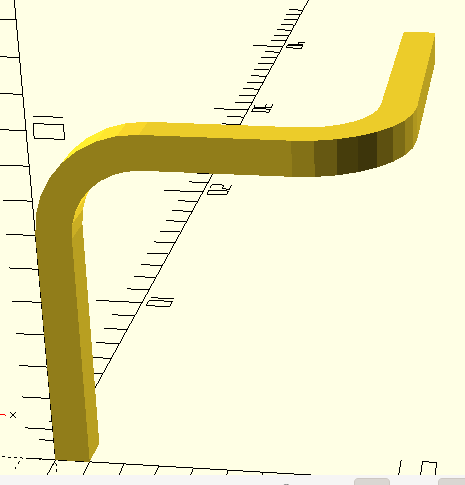
See example at path_extrude_example.py
3D offset
In this version offset also operates on 3D objects in addition. Fillets can easily be created by downsizing concave edges
Filleting
Often it's nice to have a small fillet in your design. You can e.g. create them while combining the objects, but there are many different variants possible.